♬
MIDI & clips
Create and edit clips, write and replace notes, quantize, duplicate, launch scenes and place clips on the arrangement timeline.
AI producer / 0.3.9
Your AI producer inside Ableton Live. Describe the track — clips, MIDI, samples, plugins, arrangement and mix — and BeatBridge makes the edits in the project you already have open.
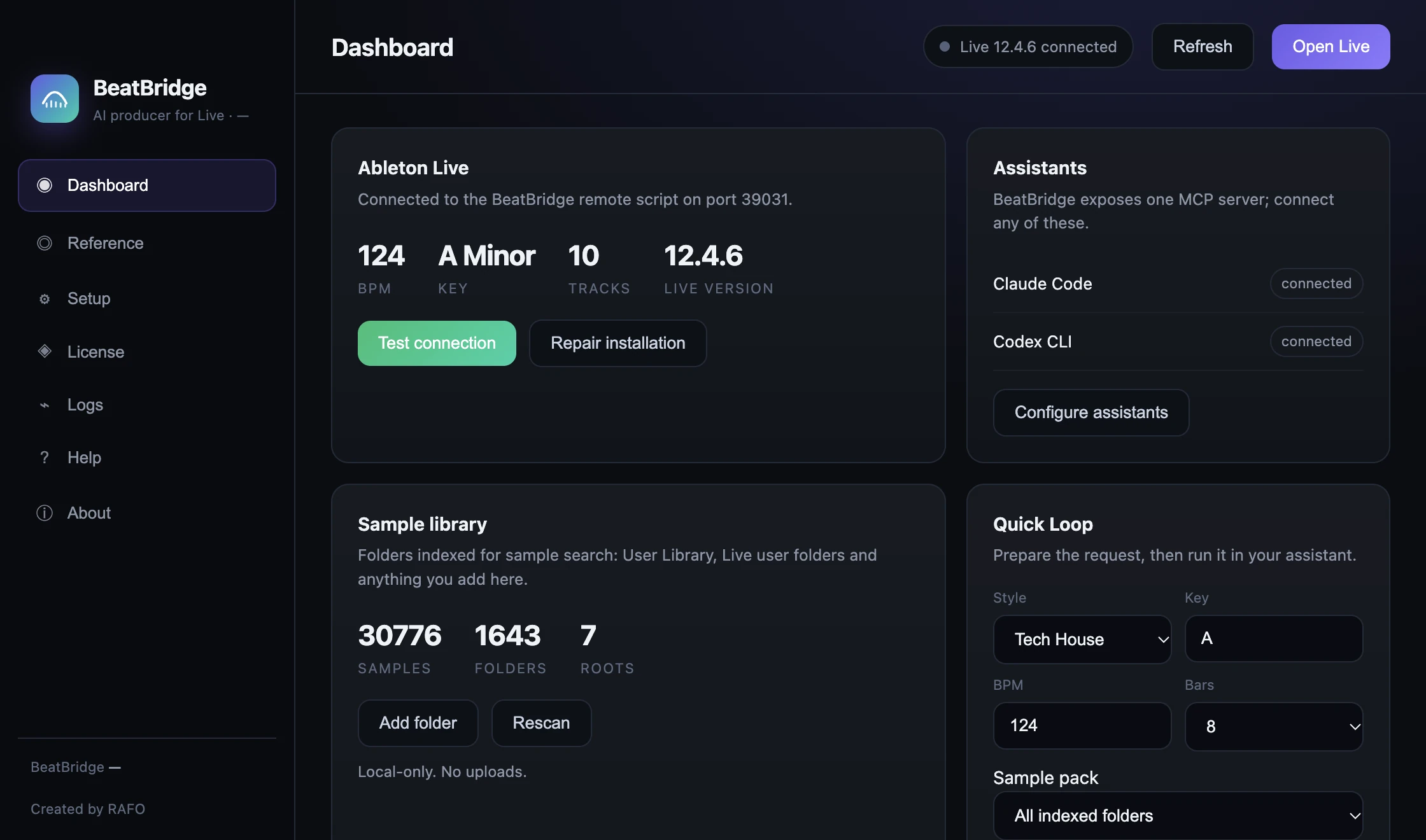
One live project, one local bridge: your assistant makes the edits; every change is undoable.
2 computers · secure checkout by Lemon Squeezy
BeatBridge is not a chat window beside Live. It is a bridge into the open set — clips, devices, samples, arrangement and mix, with every operation visible and undoable.
Create and edit clips, write and replace notes, quantize, duplicate, launch scenes and place clips on the arrangement timeline.
Drums, bass and chords in a new scene from one prompt. Play and Shuffle give you variations with timing, velocity and pitch changes.
Build a template with named tracks, FX buses and GROOVE / DROP locators, then generate the arrangement with Codex or Claude. Stop works.
Search your local sample folders and Live's library. Find and load your own one-shots and loops. Filename BPM/key tags guide matching; not every sample has verified audio metadata.
Load any VST3/AU Live has scanned, build chains, set parameters and automation, then check the mix levels.
Audio and projects stay on your Mac. BeatBridge talks to Live on 127.0.0.1. Your assistant handles model requests under its own terms.
Use the free 7-day trial on a copy of a project. Start with a loop, then ask for the arrangement; the assistant edits that open copy directly, so save a separate project before generation.
Set BeatBridge as the Control Surface in Live, then connect Claude Code or Codex in the app's Setup tab.
Quick Loop creates drums, bass and chords from its style, key, BPM and length controls. Or ask your assistant to search your library and build the palette.
Build the full track, place sections, add FX and check levels. Every edit is undoable in Live.
A perpetual license for 2 computers. No subscription. Try every feature for 7 days first.
 BeatBridgev0.3.9
The AI producer for Ableton Live. Mac app, VST3 and AU in one signed installer.
BeatBridge is the bridge and the producer UI. Generation runs through the assistant you connect — Codex or Claude Code. AI provider fees are separate.
BeatBridge is tested with Ableton Live 12.4.6 and requires Live 11 or 12 plus the BeatBridge Control Surface. macOS 13+ on Apple Silicon is required.
The bridge communicates with Live locally on 127.0.0.1. The connected assistant may send prompts, tool results or files to its provider according to its settings and terms. Review those settings before using private material.
Yes. BeatBridge edits the open Live set through Live's own API; changes are normal undoable edits. Keep a copy of important projects.
Yes. The app and the Live remote script do the production work. The VST3 and AU are the in-Live control panel and pass-through.
A perpetual license for 2 computers and the signed macOS installer with the app, VST3 and AU. The 7-day trial starts on first launch.
Try BeatBridge free for 7 days. Download the app and plugins, connect Live, and make your first loop before you buy.
Trial availability