Documentation / BeatBridge
Read the
manual.
Everything you need to install, understand and get the most out of BeatBridge, SIDECHAIN, BeatBridge AB, CLIPER and ANALYZER. Every page is written around the real workflow, not a feature list.
Every tool.
One place.
Choose a product for installation, controls, workflows, specs and troubleshooting.
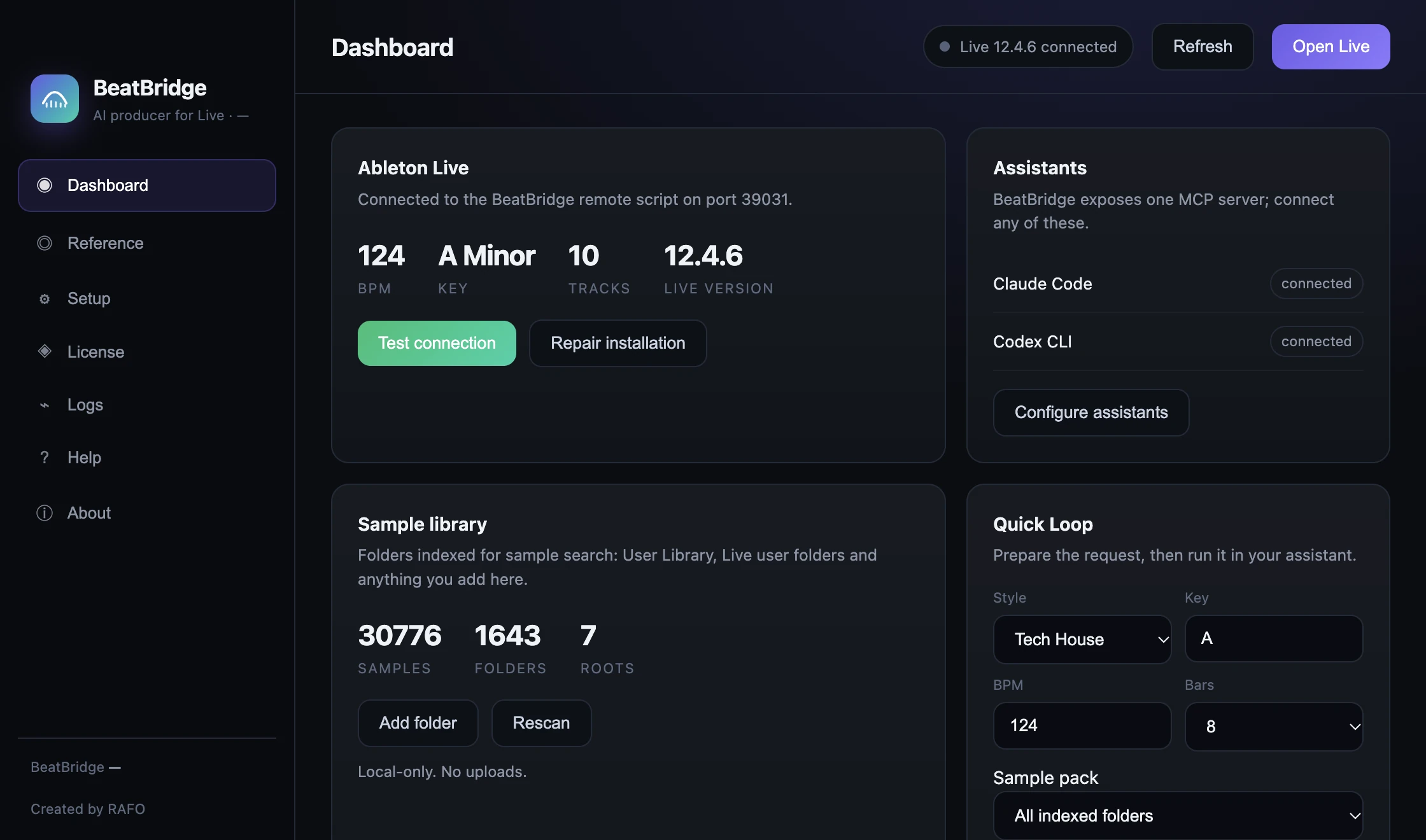
BeatBridge
AI producer for Ableton Live. Setup, Live connection, assistants, Quick Loop and Full Track.
Read documentation →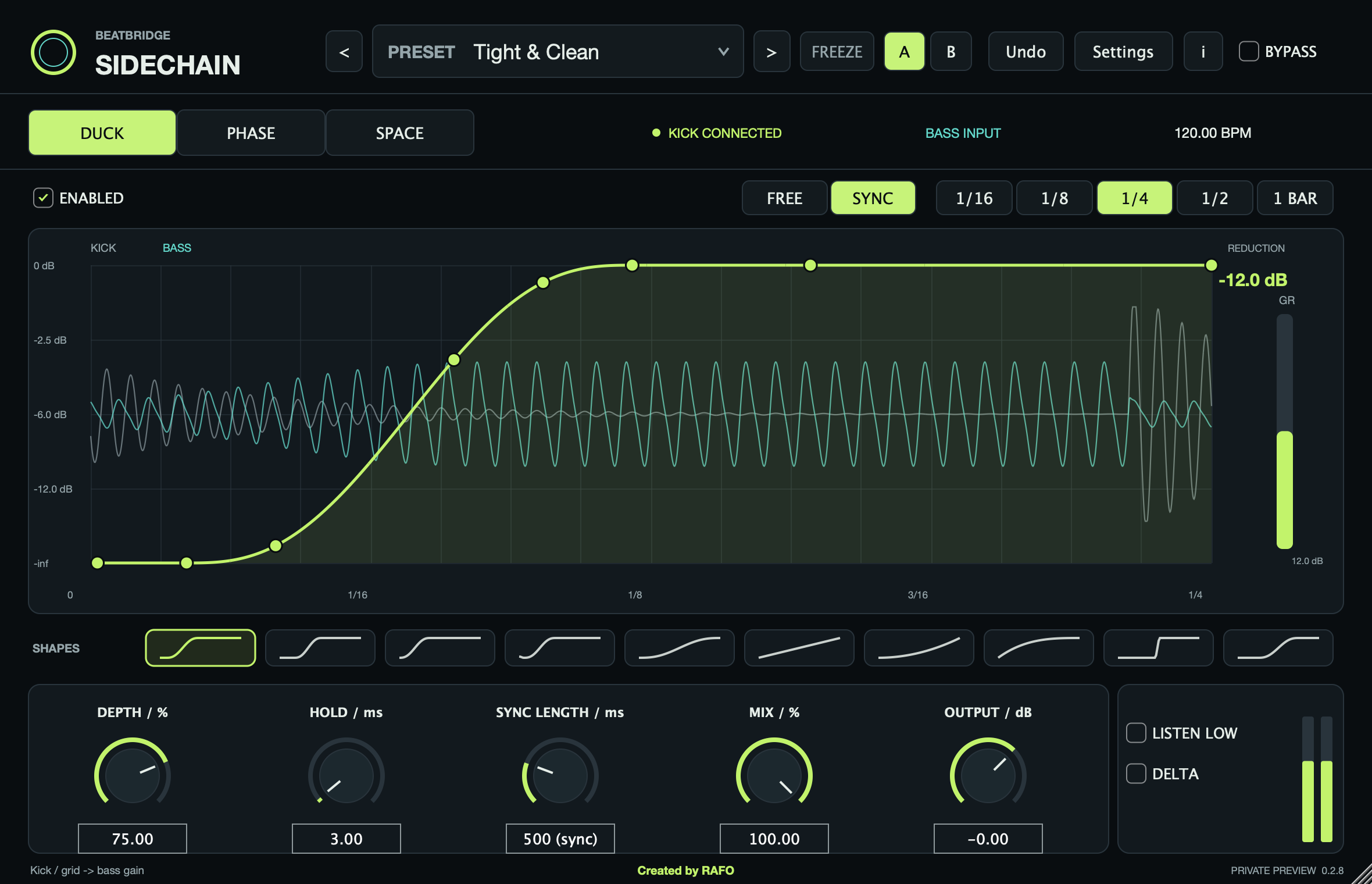
SIDECHAIN
Kick and bass control: duck curve, phase alignment and dynamic space.
Read documentation →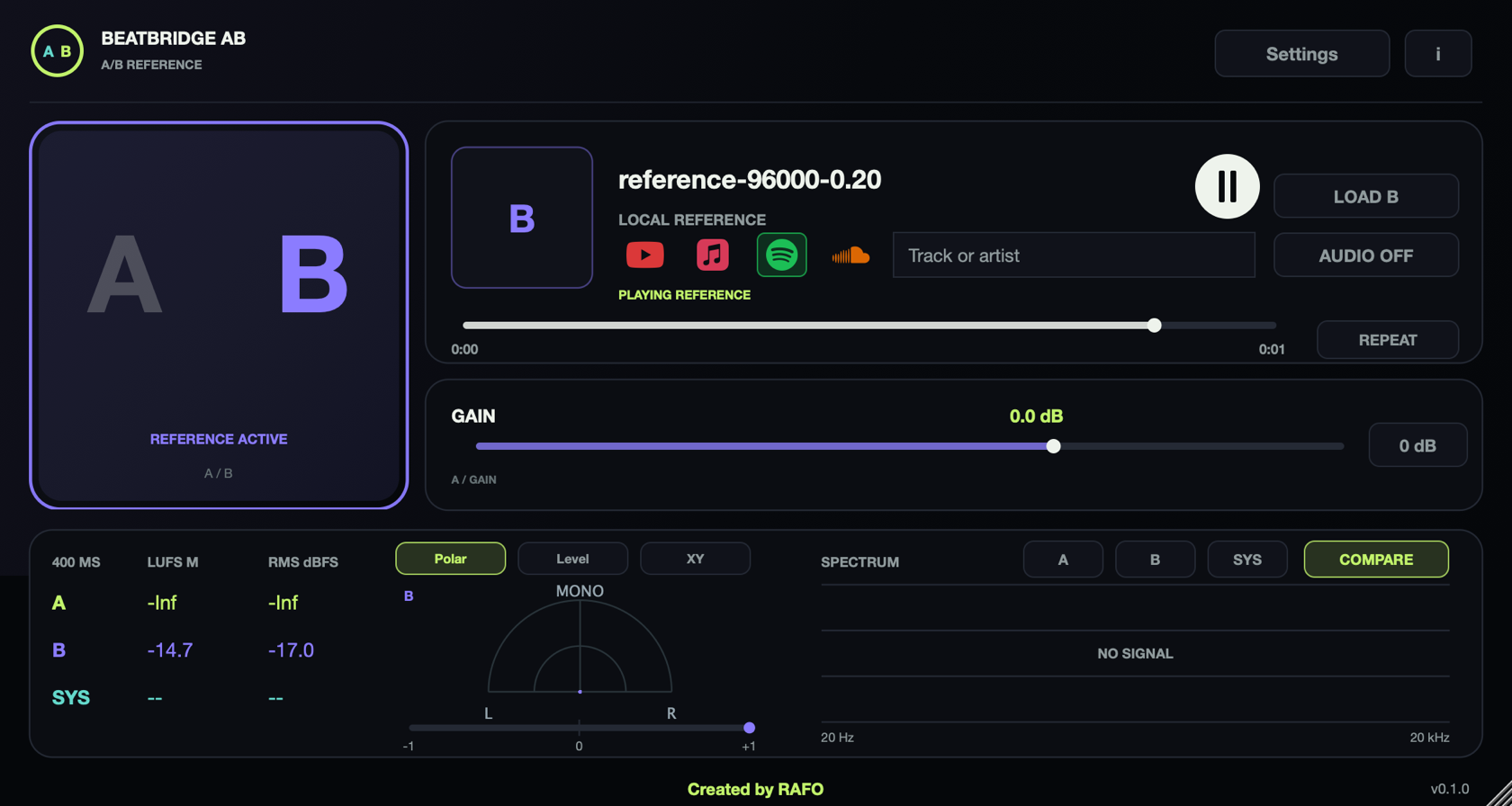
BeatBridge AB
Local reference playback, A/B/SYS comparison, spectra, LUFS/RMS meters and license activation.
Read documentation →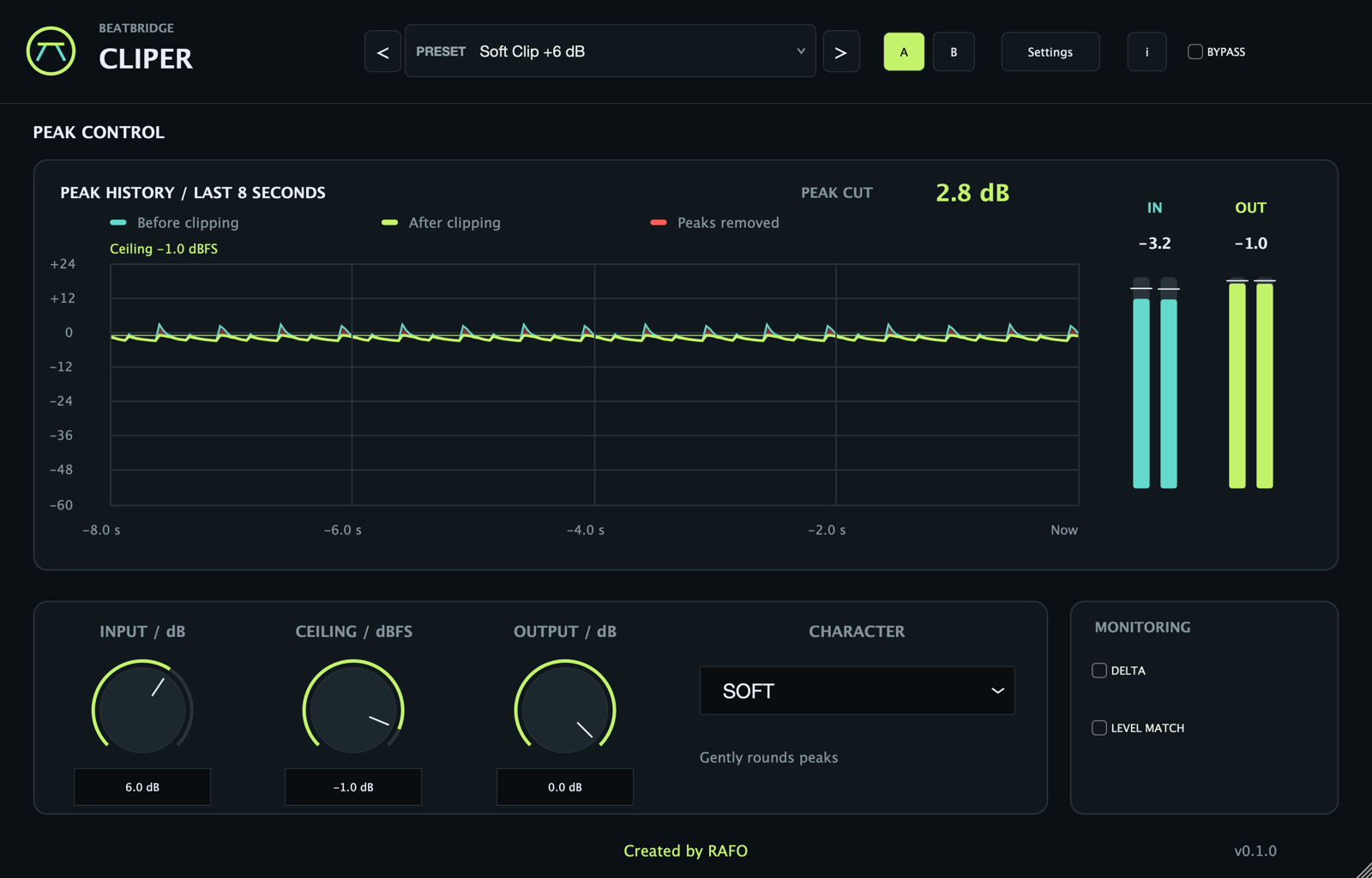
CLIPER
Free peak shaper: gain, ceiling, Hard, Soft and Smooth character and metering before the limiter.
Read documentation →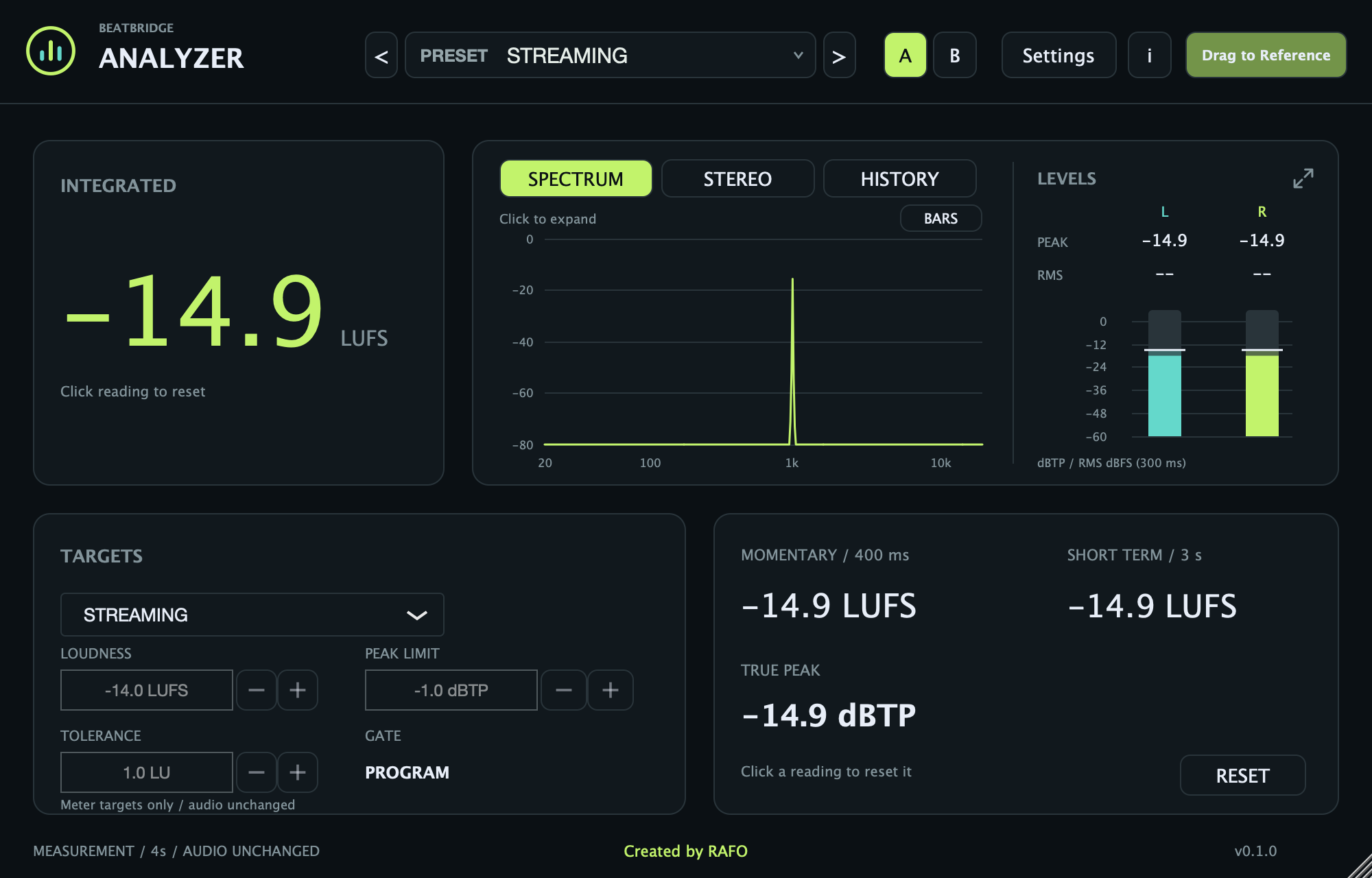
ANALYZER
Free LUFS loudness analyzer with integrated, Short Term, momentary and true peak.
Read documentation →Setup guide
Install the app and plugins, connect Ableton and activate a license.
Open setup →System requirements
macOS versions, Ableton Live, VST3, AU and known limitations.
Check compatibility →